

See it in Action
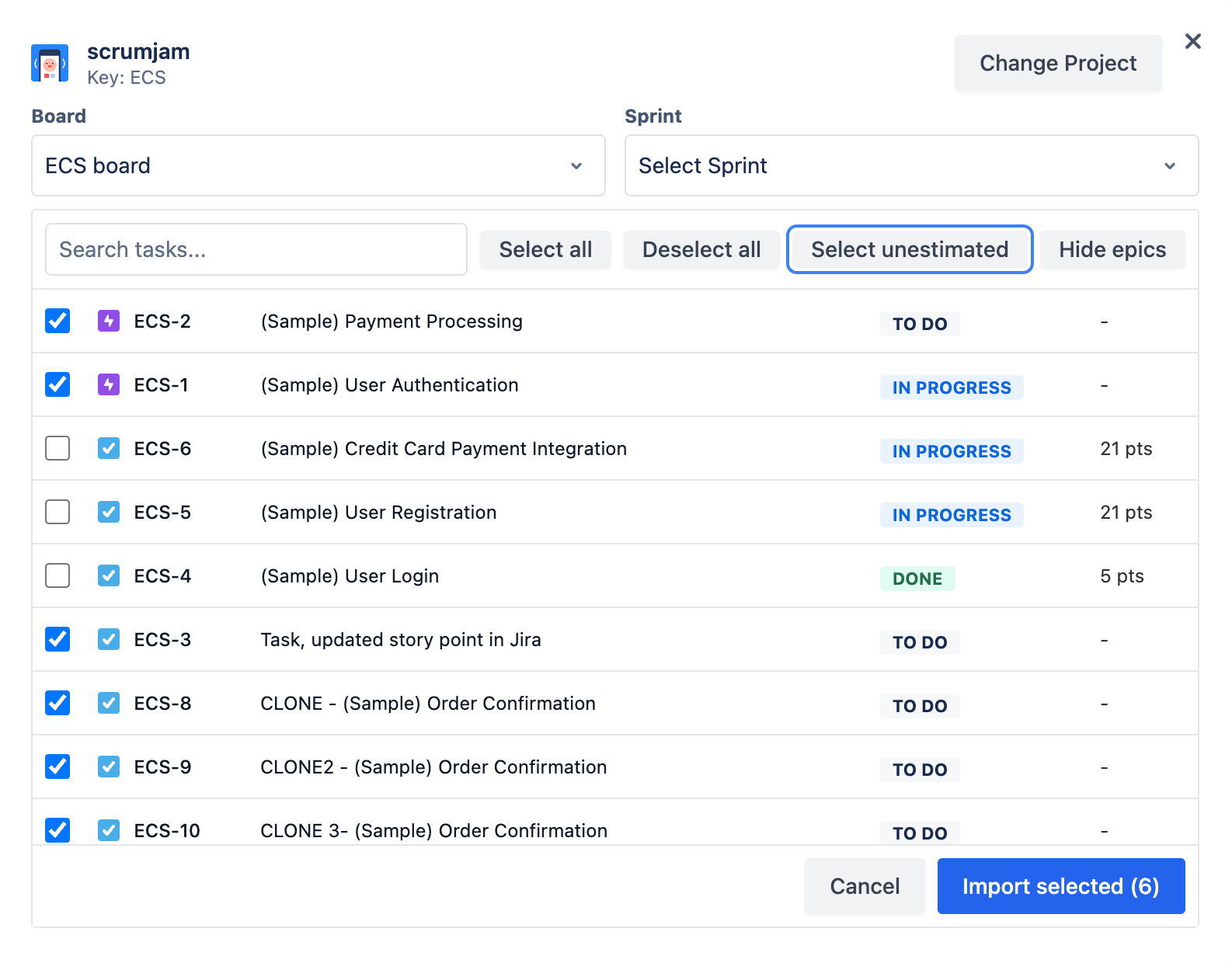
Watch how easily you can integrate Jira with Scrum Jam and streamline your estimation process.
Key Features
Everything you need to seamlessly connect Jira with your planning poker sessions.
One-Click Import
Import Jira issues directly into your planning poker session with a single click.
Automatic Sync
Story points are automatically synced back to Jira when consensus is reached.
Project Filtering
Easily filter and select issues from specific Jira projects or sprints.
Real-time Updates
See Jira issue details update in real-time as you estimate with your team.
Secure Access
OAuth 2.0 authentication ensures secure access to your Jira data.
Custom Fields
Support for custom Jira fields and story point schemes.
How It Works
Get started with Jira integration in three simple steps.
Connect Jira
Securely connect your Jira account with just a few clicks using OAuth 2.0.
Select Issues
Choose the project and issues you want to estimate from your Jira boards.
Start Estimating
Begin your planning poker session with real-time Jira integration.